
What is a lithophane?
A lithophane is a picture made of thickness. Thin areas let more light through and look bright; thick areas block light and look dark. Switched off, it looks like a plain white relief. Light it from behind and a detailed photo appears.
Lithophanes began as porcelain art in the 1800s. A 3D printer makes them easy: software turns any photo into a model, and the printer builds it in layers a fraction of a millimetre thick.
Interactive
See how light changes a lithophane
Try each light colour and brightness on this sample landscape. The same print feels cosy, natural or crisp depending on the light behind it.
Puck light or lithophane panel?
Both are low-voltage LED lights designed to sit behind or under a print. The difference is shape.
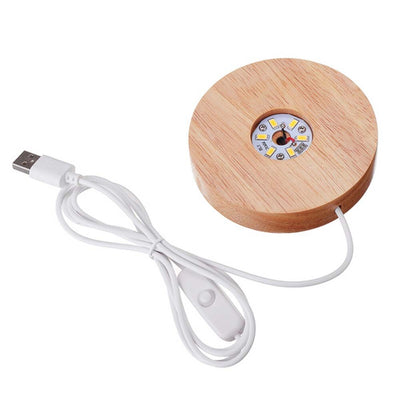
Puck lights are round and shine upwards and outwards. Use them as the base for cylinder lithophanes, moon lamps, lampshades and vases. Our wooden-base pucks are a finished lamp base: print a shade that fits the diameter and you are done.
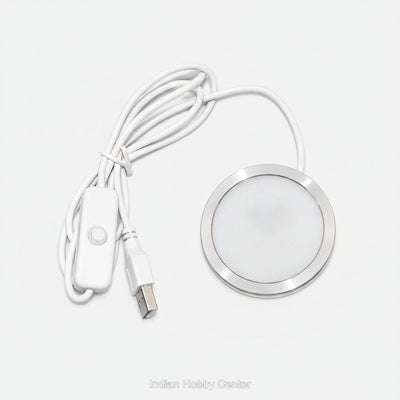
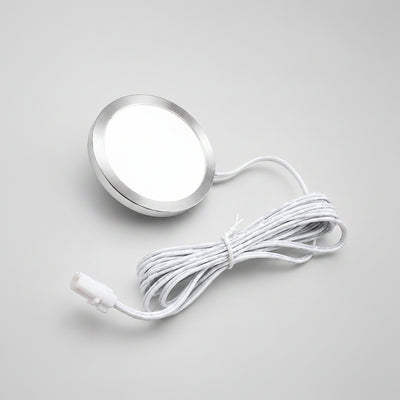
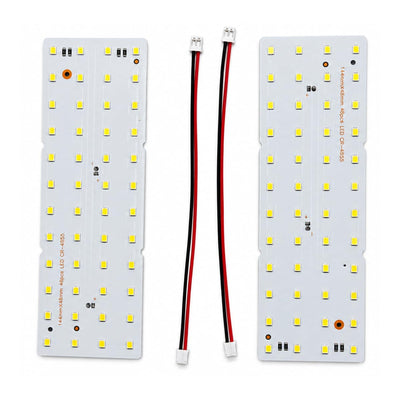
Lithophane panels are flat LED boards that light a flat or gently curved print evenly from behind. Use them for photo frames, light boxes and shadow boxes.
Which light for which project
| Project | Light | Why |
|---|---|---|
| Cylinder photo lamp | Puck light, wooden base | Lights the whole cylinder evenly from below |
| Moon or planet lamp | Puck light, wooden base | A sphere sits neatly on the round base |
| Lampshade or vase lamp | Puck light | Even glow through thin translucent walls |
| Flat photo frame | Lithophane panel | Even light across a flat picture |
| Light box or shadow box | Lithophane panel | Slim, fits inside a printed box |
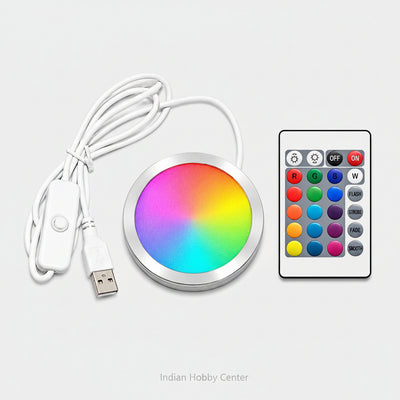
| Mood light or night light | RGB puck light | Colour modes and a switch, or a remote on some models |
Interactive
Find your light
Answer four questions and the matching puck lights and panels move to the front.



How to print a sharp lithophane
The light only shows what the print gives it. These settings give bright highlights and deep shadows.
From photo to lamp in six steps
- Choose a strong photoPick a well-lit, high-contrast photo with a clear subject. Crop tight on faces. Busy backgrounds look muddy.
- Make the modelUse a free lithophane generator (ItsLitho and 3DP Rocks are popular) and choose flat, cylinder or a shape that fits your light. Set it to fit your puck diameter or panel size.
- Set the thicknessStart with about 0.8 mm at the thinnest and 3 mm at the thickest. Thinner is brighter; thicker gives more contrast.
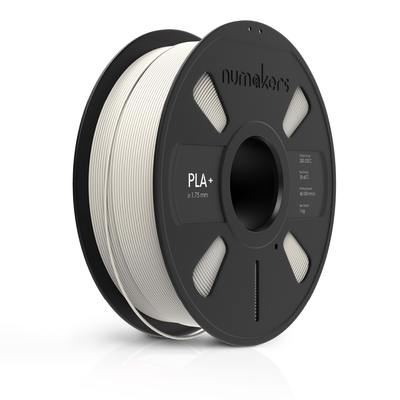
- Slice for detailWhite PLA, 0.4 mm nozzle, 0.1 to 0.12 mm layers, 100% infill, outer wall slow. Print it standing upright so the detail is in the layers, with a brim for stability.
- Print and checkHold it up to a window or phone torch. If the faces are too dark, make it thinner next time.
- Add the lightFit the puck or panel, leave a slot for the cable, and switch on.
Filament for lamps and lithophanes
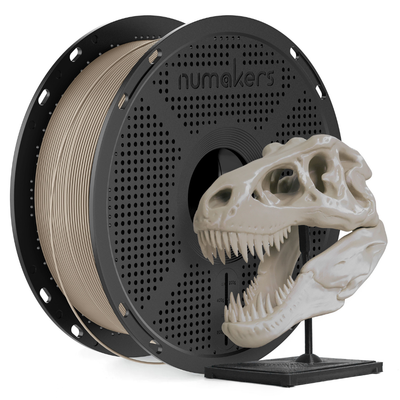
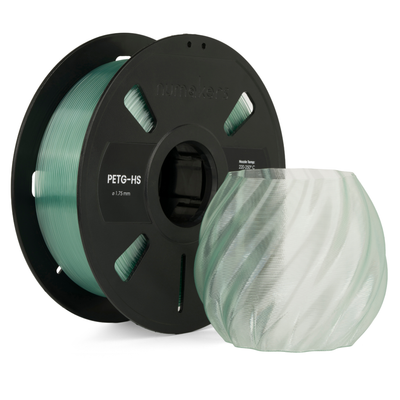
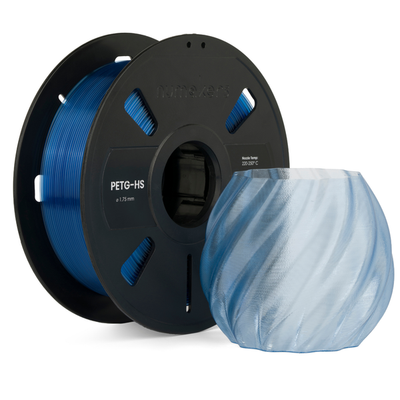
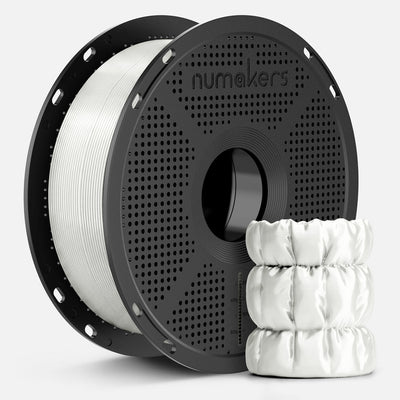
All filaments →White PLA+ for lithophanes, translucent PETG and silk for shades and vases.
Powering and fitting your light safely
Every light in this guide is low voltage, so there is no mains wiring inside your print.
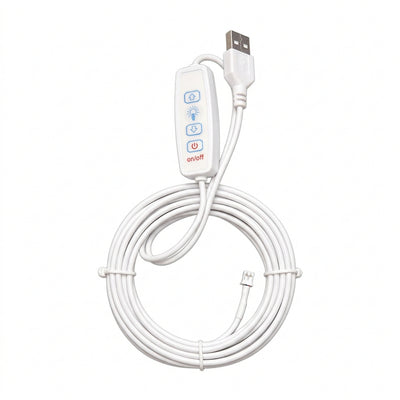
- 5 V USB lights run from a phone charger, a laptop or a power bank. Most have a switch on the cable or a button on the base.
- 12 V puck lights need a 12 V DC adapter. Never connect them to USB, which only gives 5 V.
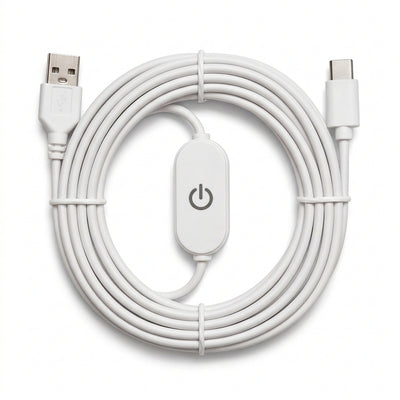
- Lithophane panels connect with a separate cable. Check the connector on your panel (Type-C or PH2.0) and pick the matching dimmer cable.
- Leave a cable slot in your print and a few millimetres of air gap between LEDs and plastic. LEDs run cool, but PLA softens at around 55 °C.
- Never use a household bulb inside a PLA lamp: the heat will deform it.
Five projects to try
- Photo cylinder lamp: four family photos wrapped round one cylinder on an 80 mm wooden-base puck.
- Moon lamp: a sphere lithophane made from NASA moon height data on a warm puck.
- Festival diya or lantern: a pierced lantern in translucent orange PETG over a warm puck light.
- Glow-in-the-dark night light: a shade printed in glow PLA that keeps glowing after the light goes off.
- Framed wedding photo: a flat lithophane in a printed frame with a panel and touch dimmer.
Questions
Can I power a puck light from a power bank?
Yes, any 5 V USB puck light or panel works from a power bank, which makes a cordless gift lamp. 12 V pucks need a 12 V adapter.
Which is better for photos: warm or cool light?
Warm white flatters faces and feels cosy. Natural or cool white shows landscapes and details crisply. A warm and cool switchable light lets you choose later.
My lithophane looks dark and blurry. What went wrong?
It is usually too thick, printed lying flat instead of upright, or printed in a colour other than white. Reduce the maximum thickness and print upright at 0.1 to 0.12 mm layers with 100% infill.