
Start with what you want to make
Every good printer decision starts with the thing you want to hold in your hand at the end. A keychain, a robot chassis, a cosplay helmet and a batch of 200 product samples need very different machines.
Before you look at a single spec, answer four questions: what will you print most, how big are the parts, which plastics do they need, and do you want more than one colour in a print? Your budget then narrows it down.
We only stock and recommend Bambu Lab for this guide, for one reason: they work out of the box. Every model calibrates itself, the free Bambu Studio slicer has tuned profiles, and you can start and watch prints from your phone with the Bambu Handy app.
Interactive
Find your Bambu Lab printer
Answer five quick questions. Printers that fit move to the front with a reason; tap a card to see today's price and stock.
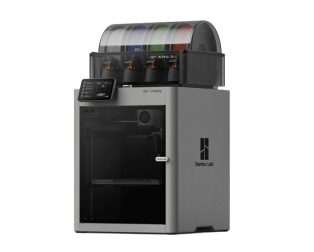
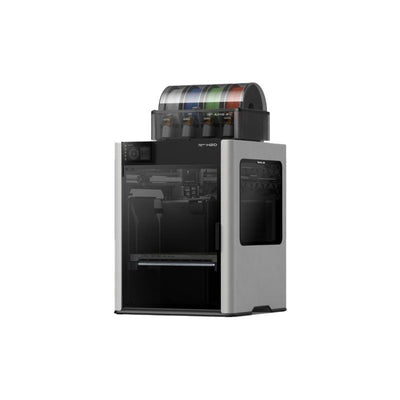
Open frame or enclosed?
This is the biggest fork in the road, and it is decided by the plastics you want to use.
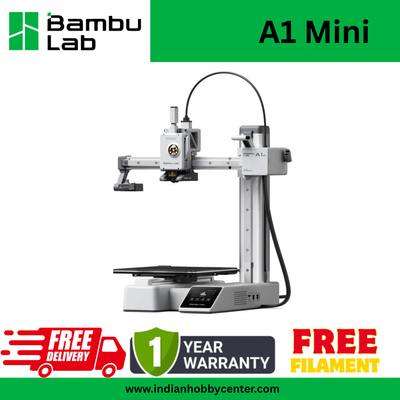
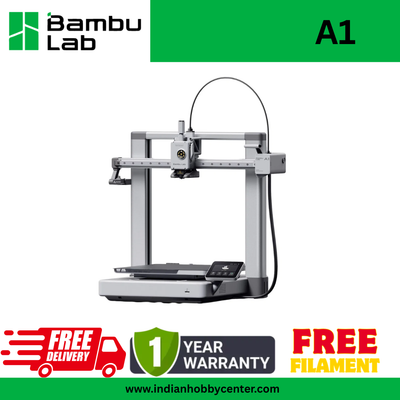
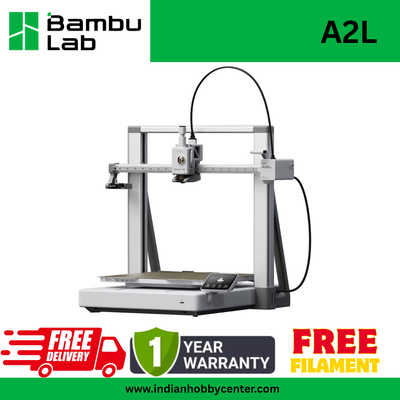
Open-frame printers (the A series: A1 Mini, A1, A2L) move the bed back and forth under the nozzle. They are lighter, quieter and cheaper, and they are perfect for PLA, PETG and TPU, which covers most toys, models, gifts, school projects and everyday parts.
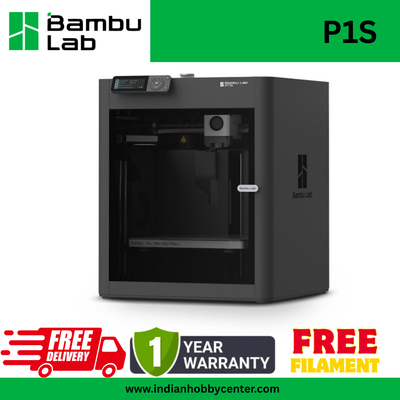
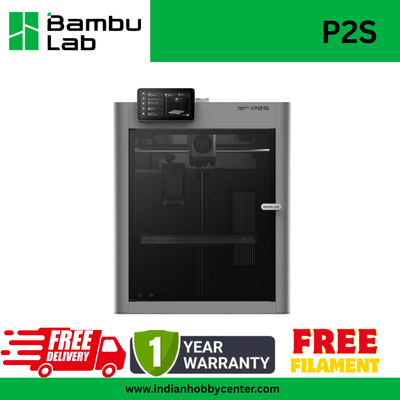
Enclosed printers (P1S, P2S, X1, H2S, H2D) keep the heat in. That stops ABS and ASA from warping and cracking, so you can print parts for cars, drones and outdoor use. They also keep dust and curious hands away, and filter the air.
One colour or many?
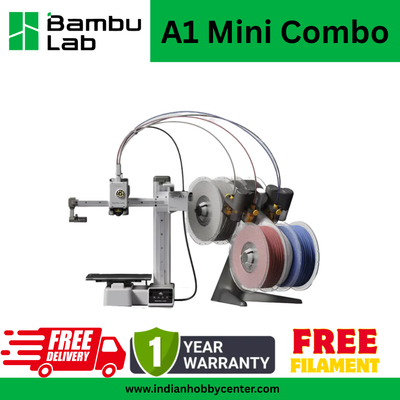
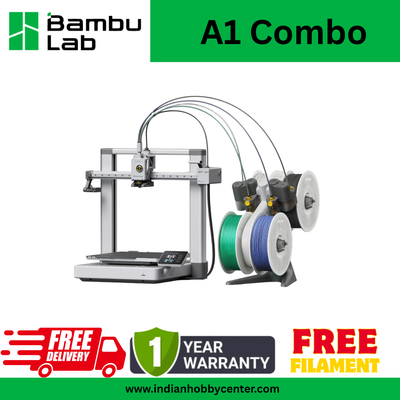
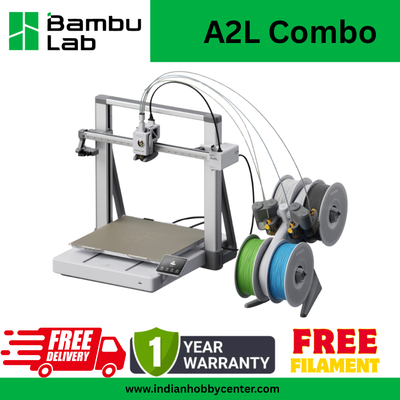
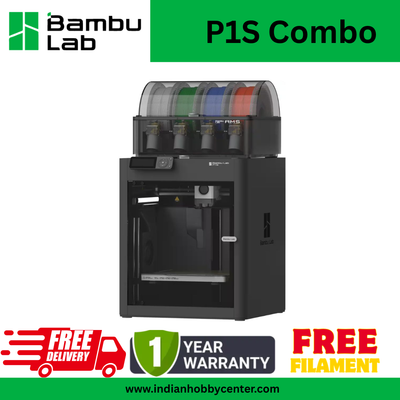
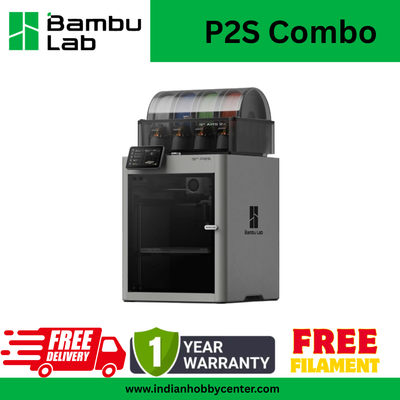
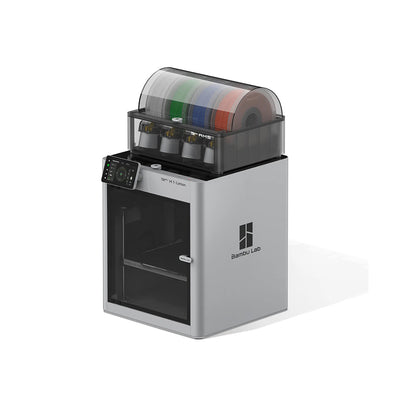
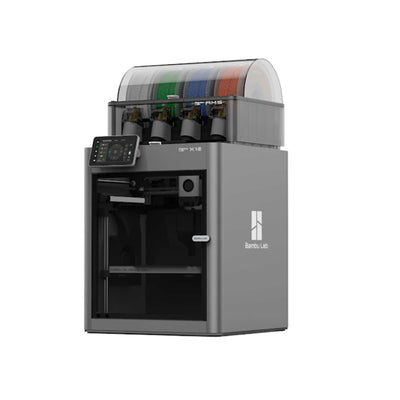
Bambu Lab printers switch filament automatically with an AMS (Automatic Material System). A Combo is simply the printer bundled with its AMS, which works out cheaper than buying both separately.
The A series uses the AMS lite for up to 4 colours. The enclosed printers use the AMS or AMS 2 Pro, and several units can be chained for up to 16 colours. The AMS 2 Pro can also dry filament while it waits, which helps a lot in humid weather.
Multi-colour printing is not only for show pieces. You can print a name plate with raised letters, a part with a soft TPU grip, or a dissolvable support material. Every swap does waste a little filament as the printer purges the old colour, so plan for that on large multi-colour jobs.
How big do your prints need to be?
Measure the largest thing you want to print, then add a little room. Most people overestimate: a 256 mm cube fits a full-size helmet in parts, most robot chassis, and nearly every household part.
180 mm (A1 Mini) suits keychains, figurines, school models and small parts. 256 mm (A1, P1S, P2S, X1) is the sweet spot for almost everything. 330 to 350 mm (A2L, H2S, H2D) lets you print cosplay armour, large enclosures and many parts in one go.
The Bambu Lab lineup at a glance
| Printer | Build size (mm) | Body | Max nozzle | Multi-colour | Best for |
|---|---|---|---|---|---|
| A1 Mini | 180 × 180 × 180 | Open | 300 °C | AMS lite (Combo) | First printer, desks, classrooms |
| A1 | 256 × 256 × 256 | Open | 300 °C | AMS lite (Combo) | A full-size first printer |
| A2L | 330 × 320 × 325 | Open | 300 °C | AMS lite (Combo) | Big prints, props, cosplay |
| P1S | 256 × 256 × 256 | Enclosed | 300 °C | AMS (Combo) | ABS, ASA and everyday parts |
| P2S | 256 × 256 × 256 | Enclosed, AI checks | 300 °C | AMS 2 Pro (Combo) | Makers who print every day |
| X1-Carbon | 256 × 256 × 256 | Enclosed, lidar | 300 °C | AMS included | Precision and carbon fibre |
| X1E | 256 × 256 × 256 | Enclosed, 60 °C chamber | 320 °C | AMS included | Labs, offices, engineering plastics |
| H2S | 340 × 320 × 340 | Enclosed, 65 °C chamber | 350 °C | AMS 2 Pro (Combo) | Large engineering prints |
| H2D | 350 × 320 × 325 | Enclosed, 65 °C chamber, 2 nozzles | 350 °C | AMS (Pro Combo) | Studios: two materials per print |
Specs from Bambu Lab. Build size for the H2D is for a single nozzle. Prices and stock change, so check each product page.
What else to budget for
A printer is only the start. Set aside roughly 10 to 15% of the printer price for the things you will need in the first month:
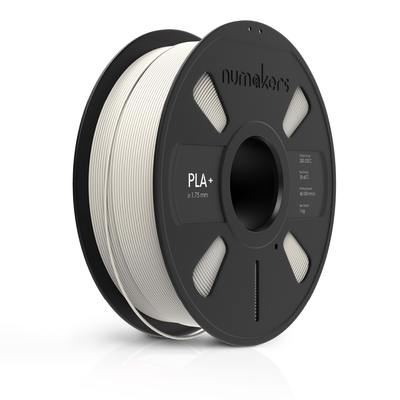
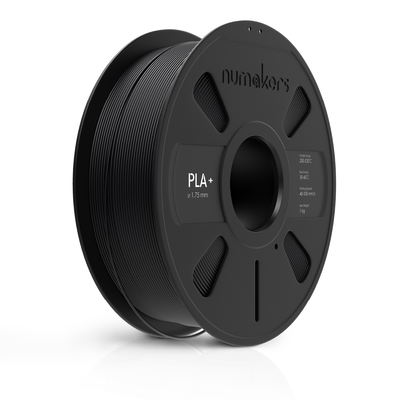
- Filament. Two or three 1 kg spools of PLA+ and one PETG will keep you busy for weeks.
- A second build plate. Swap plates and start the next print while the last one cools.
- Glue stick. A thin layer helps PETG release cleanly and helps ABS stick.
- A hardened steel nozzle if you plan to print carbon fibre, glow or metallic filament, which wear out standard nozzles.
- Dry storage. In monsoon humidity, an airtight box with silica gel keeps filament printing like new.
Your first-month kit
All Bambu Lab spares →Filament and spares that fit the A1, P1S, P2S and X1 series.
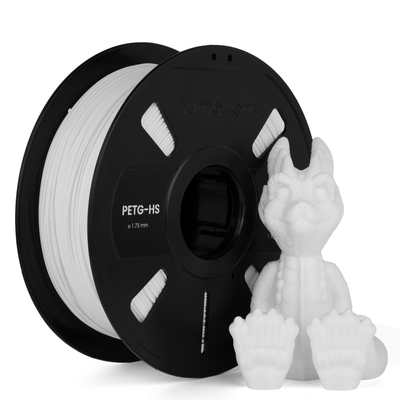
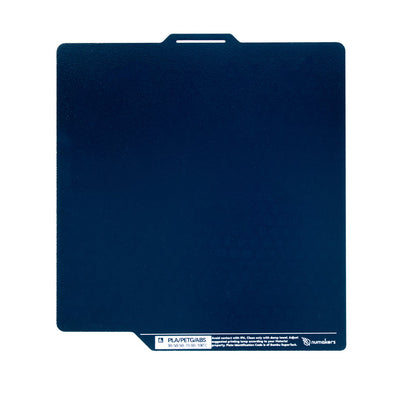
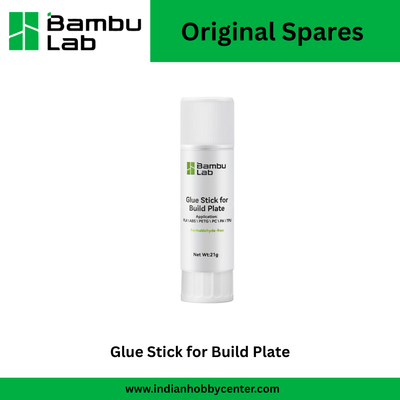
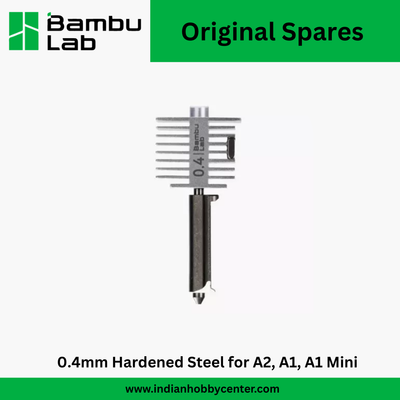
Our picks, in one line each
- First printer for a home or school: A1 Mini Combo. Small, quiet, colourful, and nearly impossible to get wrong.
- Best value full-size printer: A1 Combo. Prints almost anything a beginner or hobbyist needs, in four colours.
- For big prints: A2L Combo. Helmets and props in fewer pieces.
- The all-rounder for regular makers: P1S Combo or P2S Combo. Enclosed, fast, and ready for ABS and ASA.
- Studios, labs and small businesses: H2D, H2S or X1E, depending on whether you need two nozzles, a large heated chamber, or office-grade networking.
Questions we hear every day
Is Bambu Lab good for beginners?
Yes. Bambu Lab printers level the bed, set the nozzle height and tune vibration and flow on their own, so a beginner usually gets a good first print within an hour of unboxing.
Do I need the Combo version?
Only if you want more than one colour or material in a print without swapping filament by hand. The AMS also makes it easy to keep four spools loaded and switch between them. You can add an AMS later, but the Combo usually costs less than buying it separately.
Can the A1 or A1 Mini print ABS?
Bambu Lab does not recommend ABS, ASA or other high-temperature plastics on the open-frame A series. They warp without an enclosure. Choose a P1S, P2S, X1 or H2 series printer for those.
Which software do I use?
Bambu Studio, which is free for Windows and macOS, prepares (slices) your models. The Bambu Handy phone app lets you start prints, watch the camera and get alerts. Many makers also use the free OrcaSlicer.
What if something breaks?
Bambu Lab printers are built from modular parts, and we stock the common spares: hotends, nozzles, build plates and AMS parts. See our Bambu Lab spares, or visit the 3D Printing Hub for help.